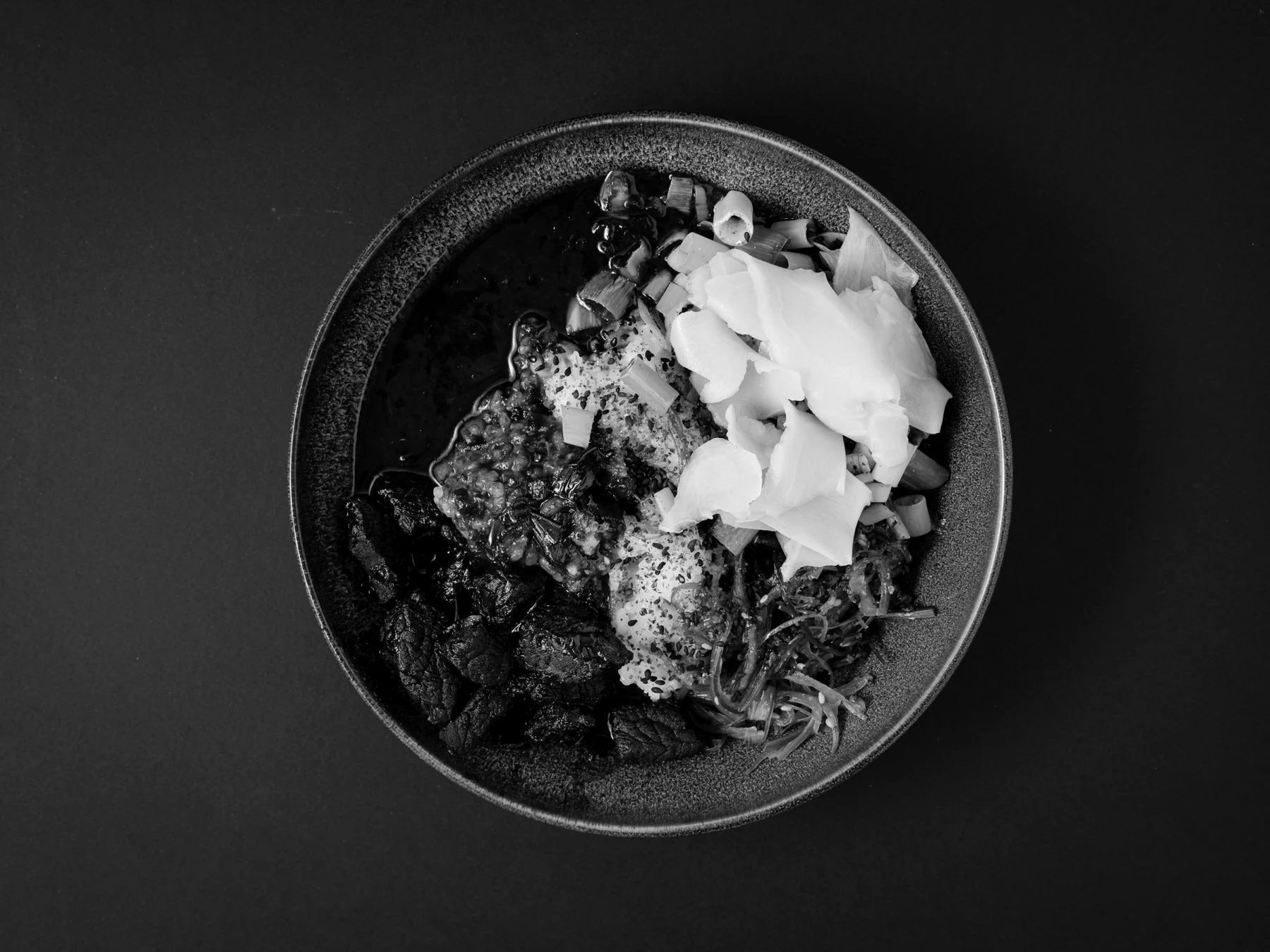
Calorie counter app that works from a photo of your plate
You take a photo of what you are about to eat and Koana estimates the calories, protein, carbs and fat with AI. You review the result, fix it if needed, and it is logged against your targets for the day, which change with what you train.
How it works in Koana
01
Take the photo
Open the camera from Nutrition and snap your plate. For a packaged product you can scan its barcode, or search for the food.
02
Review the estimate
Koana identifies what is on the plate and estimates the portions, calories and macros. You fix a food or a portion before saving it.
03
Check it against today’s target
You see how many calories and how much protein you have had against your target for the day, meal by meal.
04
Targets that follow your training
A heavy leg day or a long run does not ask for the same as a rest day: your calorie and protein targets change with the day’s session.
Frequently asked questions
It is an AI estimate from the image, not a scale. That is why you always review the foods and portions before saving. For a packaged product, the barcode gives you the label’s figures.
Yes. Every entry adds calories, protein, carbs and fat, and your day shows the protein you have had against your target.
Before your first scan, Koana asks for your permission to analyze it with AI. We do not keep your photos unless you turn on «Save my photos». The details are in the privacy policy.
Yes. You can also search for the food, scan the barcode or create your own foods. Photo logging is available depending on your country.
Koana works out your calorie and protein targets from your goal, your body and your training week. More in the nutrition plan. It is a wellness app: if you have a medical condition, talk to a health professional.